Let me tell ya, juggling a ton of different gear setups in Assassin's Creed Shadows can be a real headache without loadouts. I mean, when you’ve got a sweet katana for stealthy night runs and a heavy blunt weapon for bashing through armored samurai, you don’t wanna be manually swapping every single piece each time. Loadouts are an absolute game-changer, and once you get them, you’ll wonder how you ever lived without ’em. But here’s the kicker: this feature isn’t just handed to you on a silver platter. You’ve gotta earn it, and I’m gonna walk you through exactly how to unlock loadouts, set them up like a pro, and switch on the fly—without pulling your hair out.
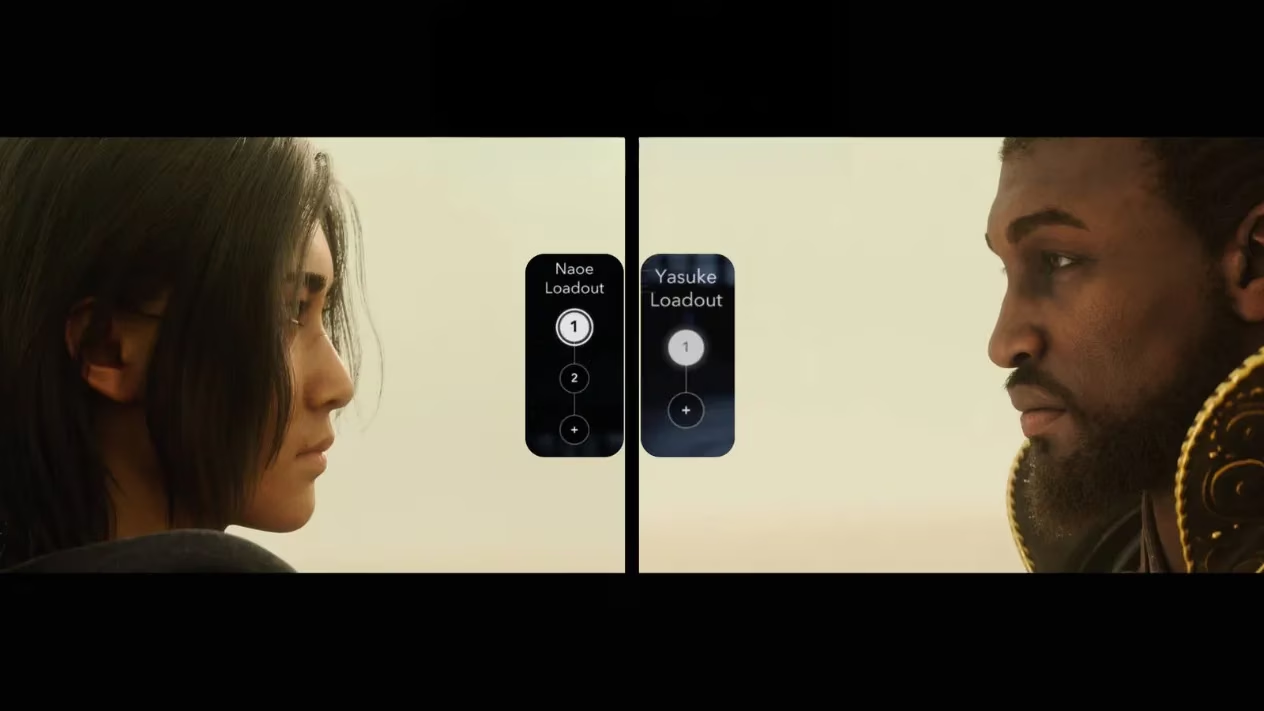
First things first—loadouts are locked behind a Hideout structure called the Gallery. I remember scratching my head early on, just bouncing between the inventory screen and my stash, and it was a total buzzkill. So, if you want to stop messing around, you need to build that Gallery. Don’t panic if it’s grayed out in your building menu. After you push through the initial story quests, more structures unlock naturally. If you’re the impatient type (no judgment), you can skip the wait by buying the Gallery blueprint from an Ornament Vendor in any major village in the Izumi Settsu region. A bit of Mon spent early can save a whole lot of frustration down the line.
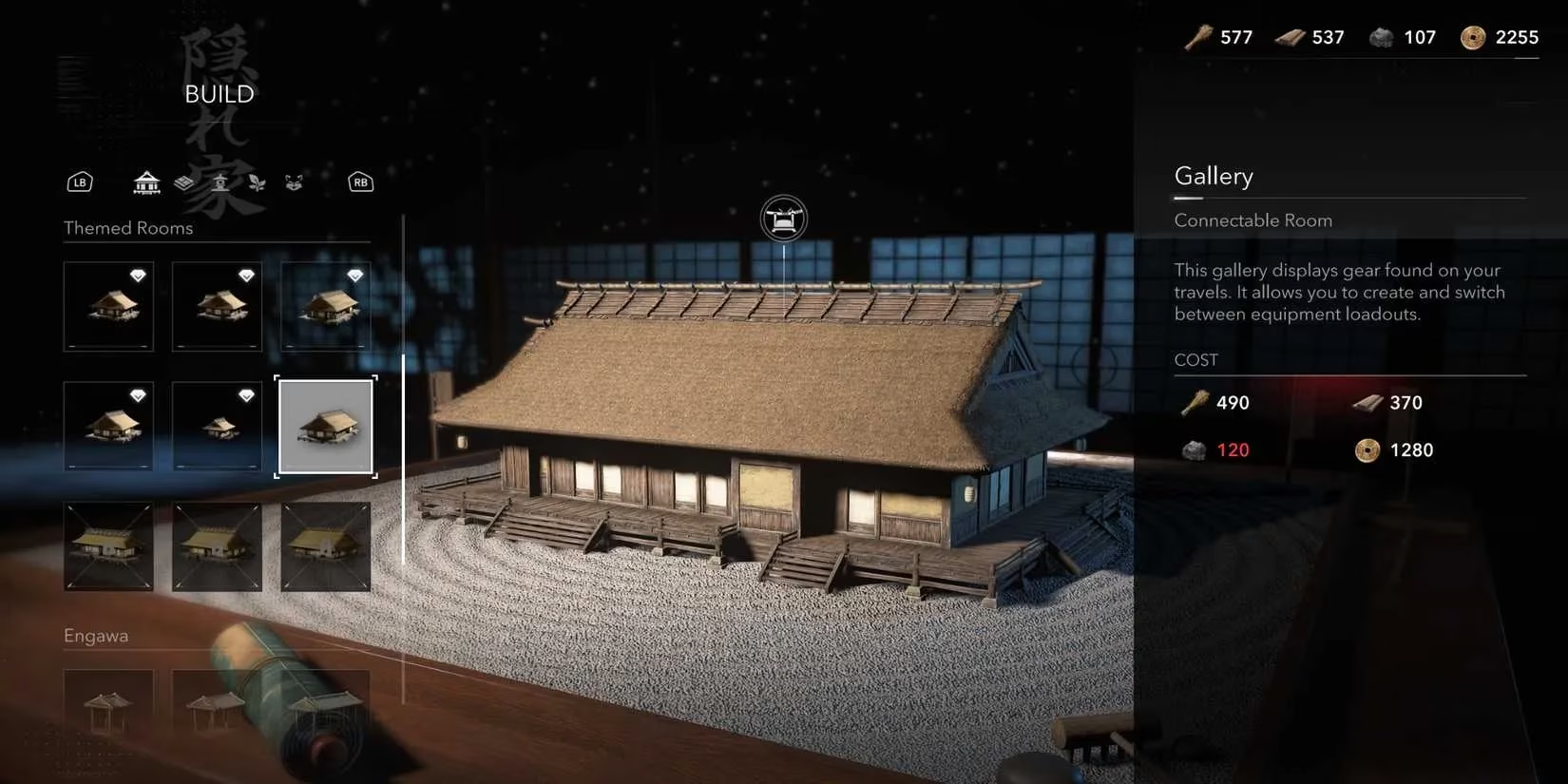
Once you’ve got the blueprint, mosey on over to the “Improve Hideout” menu and switch to Build Mode. Scroll way down to the Themed Room section—there she is, the Gallery. Now, I won’t sugarcoat it: building this thing ain’t exactly cheap. You’re looking at a cost of 490 Crops, 370 Wood, 120 Minerals, and a cool 1,280 Mon. For a fresh player, that might feel like a grind, but trust me, it’s worth every resource. The Gallery itself is pretty nifty; you can later customize it to show off exotic weapons you’ve collected—a nice little flex for your Hideout. But all that is just decoration. The real prize is what it unlocks in your menus.
After the Gallery is up and running, open your inventory and look to the left side of the screen. Bam! You’ll now see loadout slots for both Naoe and Yasuke. I legit did a little happy dance when I spotted those empty slots. Creating a loadout is a no-brainer: just equip the exact gear you want—weapons, armor, mount, headwear, and trinket. Make sure every slot has the piece you want for a specific playstyle. Then, simply click the “+” icon on the left to save that setup. You can do this up to four times per character, giving you a total of eight personalized builds. That’s plenty of room to mess around with everything from silent shinobi assassinations to full-on samurai carnage.
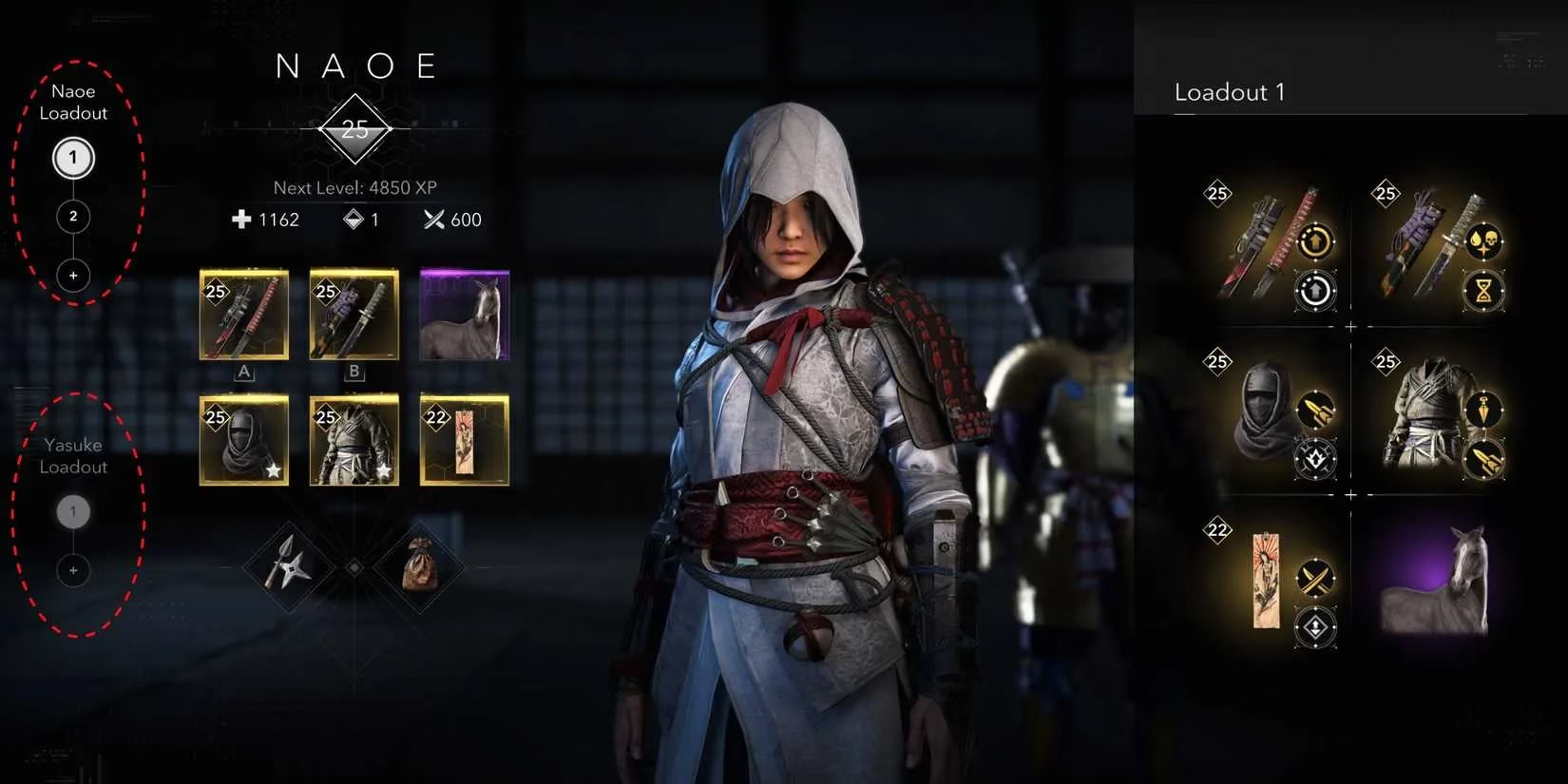
Now, here’s where the rubber meets the road. Changing loadouts isn’t something you can just do mid-battle while a ronin’s blade is swinging at your face. You’ve gotta be anonymous and out of enemy territory—in other words, take a breather in a safe zone. When you’re safe and sound, just click the loadout number you want, and the whole kit and caboodle swaps over in a flash. What’s super slick is that any transmog looks you’ve saved with that loadout will come along for the ride. So you can have Naoe looking like a wandering poet in one loadout and a deadly ghost in the next, all with a single click. It’s these little quality-of-life features that make AC Shadows feel so polished in 2026, especially now that everyone’s running optimized builds for the toughest endgame content.
So, my two cents? Unlock the Gallery as soon as you can, pour some resources into it, and set up a few diverse loadouts right away. I’d recommend having at least one stealth loadout with perks for assassination damage and quiet movement, and one combat loadout with armor that boosts health and melee damage. Yasuke’s heavy hitter style lends itself to sheer power, while Naoe benefits from a quick-swap setup for different enemy types. Once you’ve got your loadouts dialed in, you can focus on the fun stuff—like collecting engravings and fine-tuning your playstyle—without dreading the inventory shuffle every five minutes. Happy hunting, shadows!